
Turn technical Markdown into client-ready reports
Write the report once in Markdown. Publish to a private link only your client can see. Export a branded PDF or DOCX they can share internally. No Notion gymnastics, no Google Docs formatting nightmare.
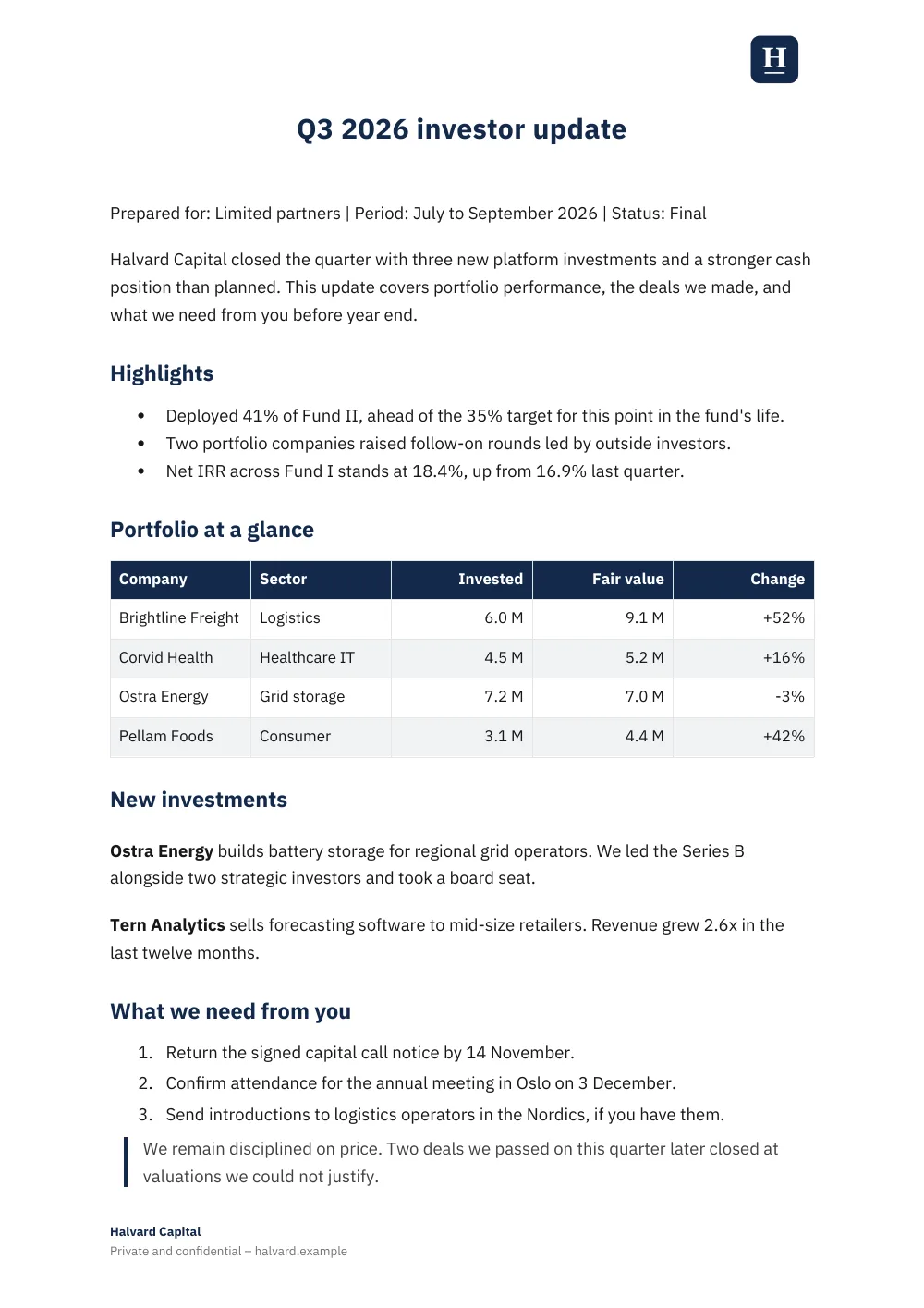
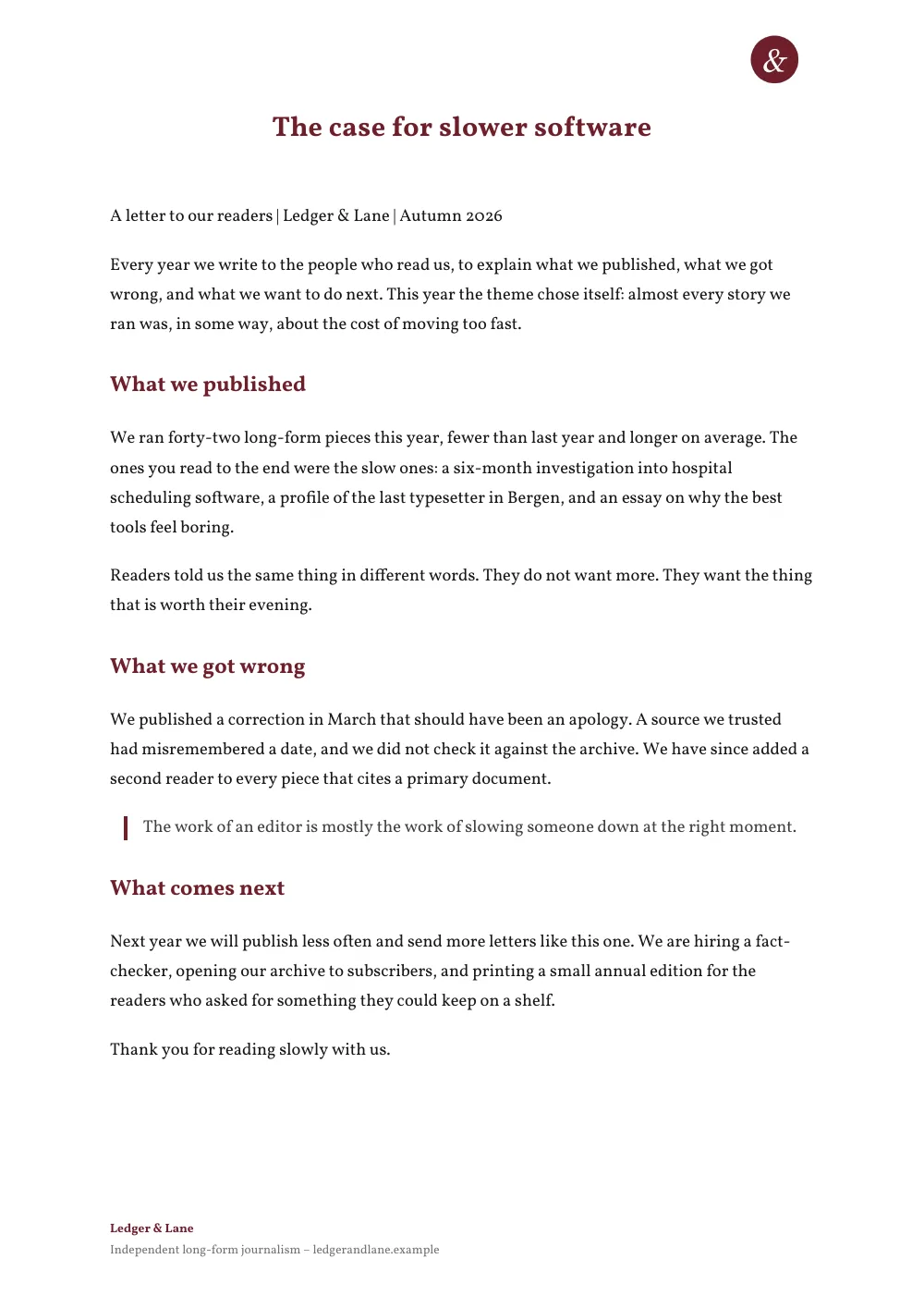
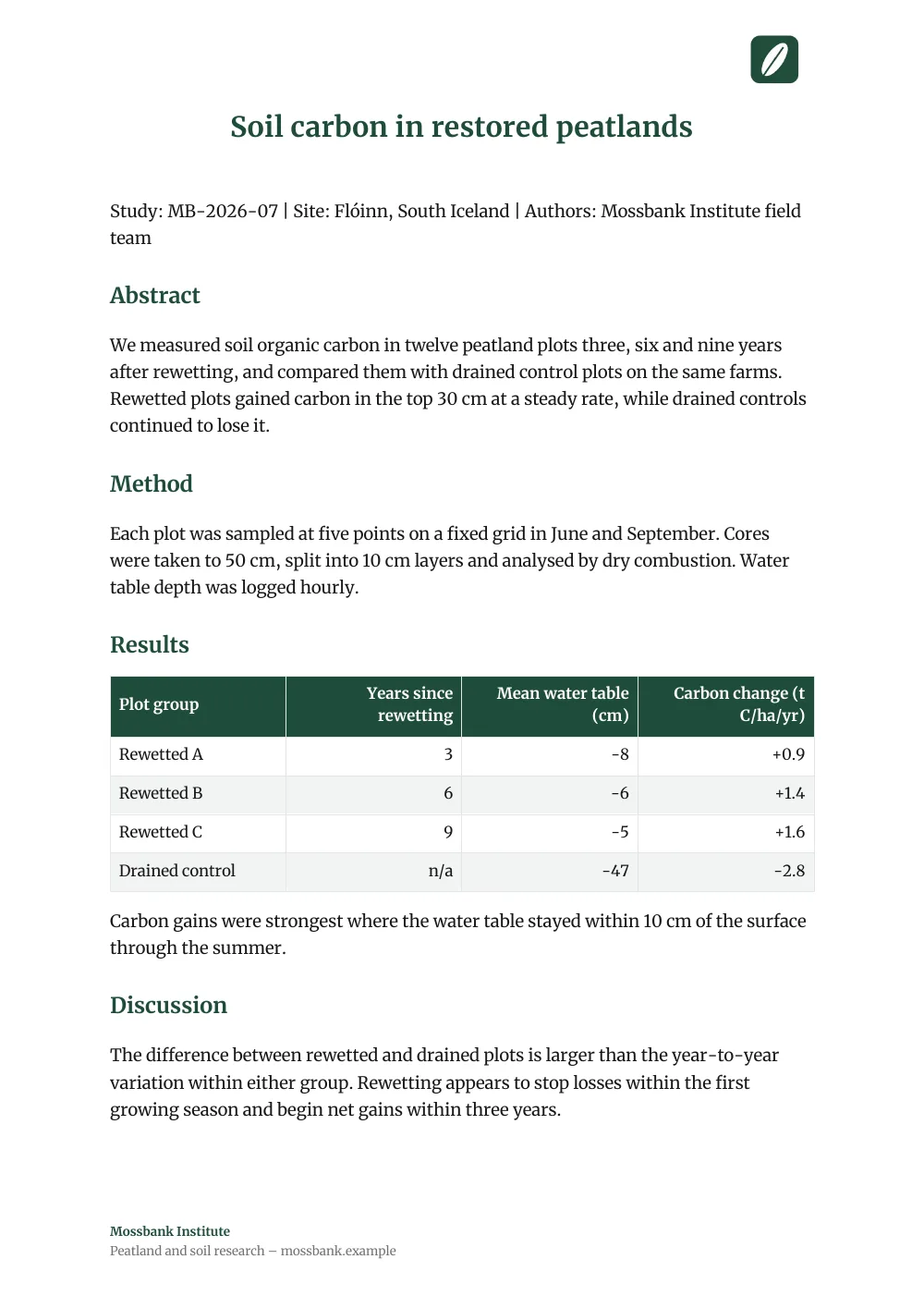
Client deliverables exported from Markdown, each in a different preset with the client's logo.See the examples
The agency workflow
You're auditing a codebase, reviewing security posture, doing a tech-stack assessment, or writing a discovery report. The deliverable is a long-form document and the client wants something they can read on their phone, share with their CTO, and forward to their board.
The usual options all force a rewrite step. Notion looks great but means re-formatting every code block. Google Docs strips your structure. PDFs are easy to send but a pain to update.
With OpenDocs the whole thing comes down to three steps:
1. Write in Markdown. Use whichever editor you already like. Tables, code blocks, headings, all of it survives.
2. Publish to a private workspace link. Restricted-email visibility means only the addresses you list can read it. The client opens the URL with no signup on their end.
3. Export a branded PDF or DOCX. Custom footer with your agency name, your brand color on headings, your logo top-right. They get a polished attachment to forward internally.
What an agency report looks like
A typical client report has four parts:
Executive summary: three paragraphs a CEO can read.
Methodology: what you looked at, how you scored it.
Findings: itemized, with severity, evidence, and recommendation.
Roadmap: what you'd do next, in rough priority order.
All four map cleanly to Markdown headings, lists, and tables. Start with a blank file and you'll have something shippable in under an hour.
Branding the export
On the Pro plan, every PDF and DOCX exports with your branding instead of ours:
Custom footer. Your agency name, tagline, link.
Brand color. Applied to headings, links, and accents throughout.
Logo. Top-right of every exported page.
Custom font. Pick from the export font library so the doc matches your brand.
Skip the formatting tax. Write the report, publish, send.
Brand your exports free. Pro adds your own footer.
Free for up to 50 documents. No credit card.