
Convert Markdown to Word
Drop in a .md file, get a clean .docx back. Opens in Word, Google Docs, Pages, anywhere.
Click to upload or drag and drop
Markdown file (.md), up to 2 MB
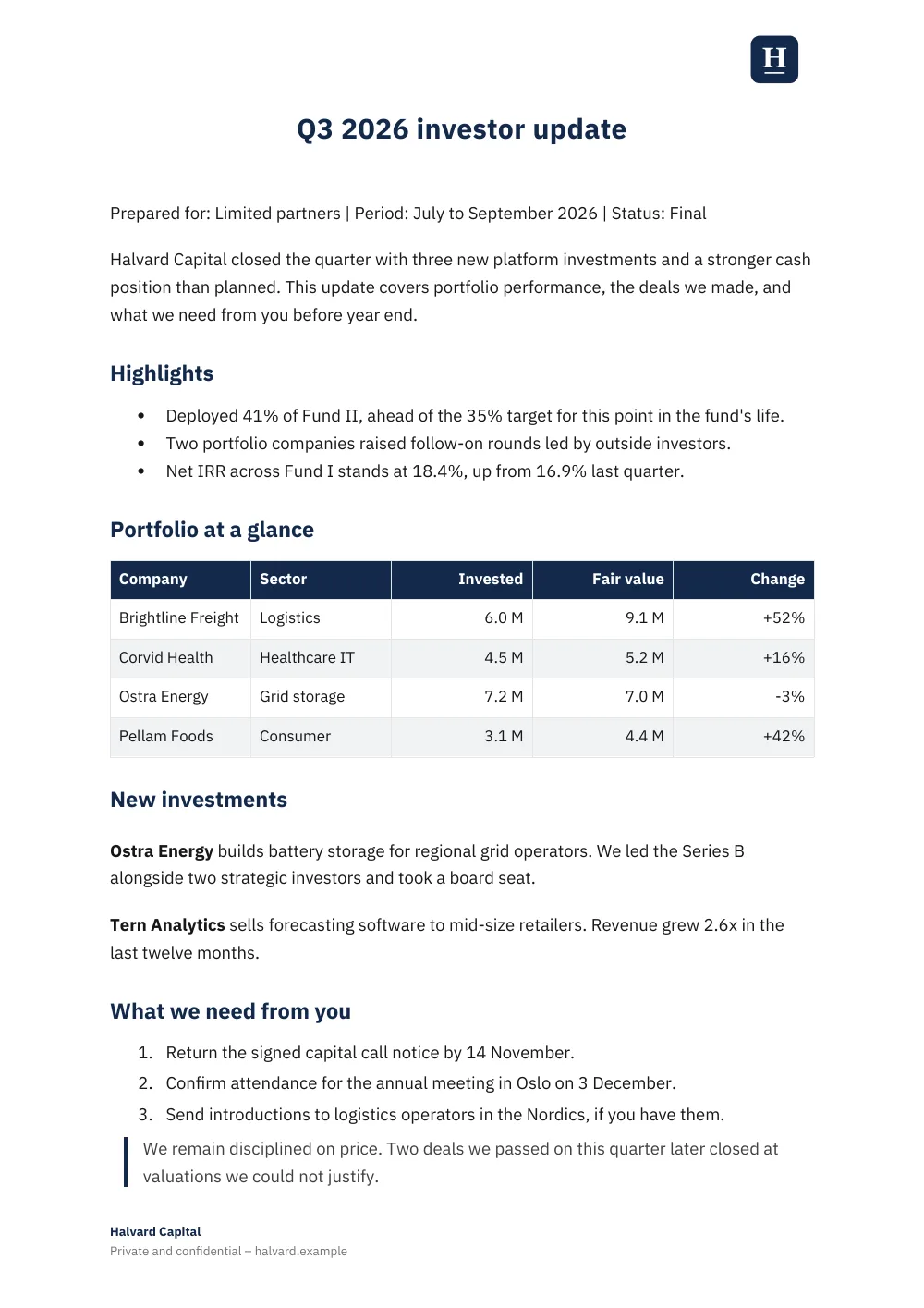
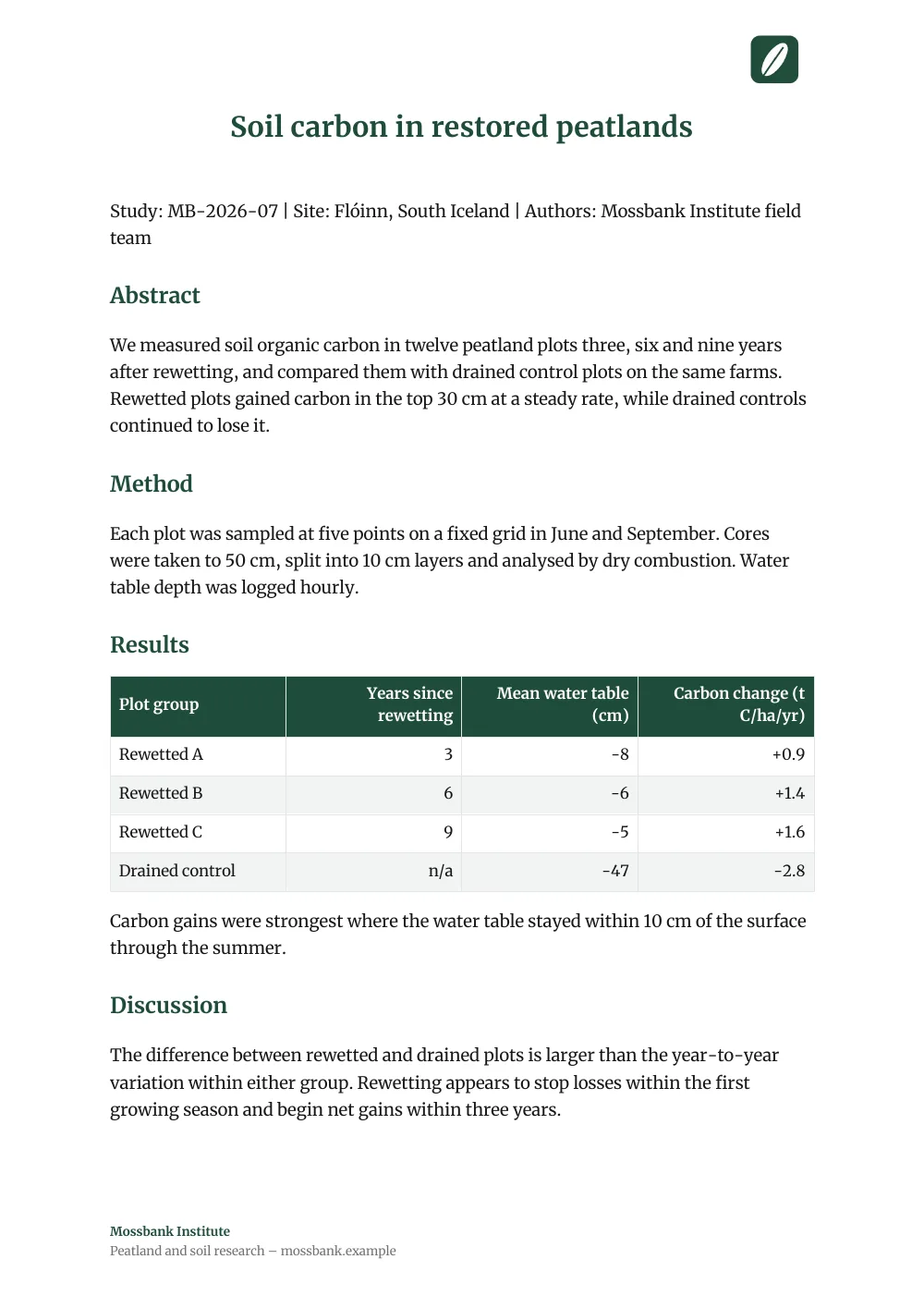
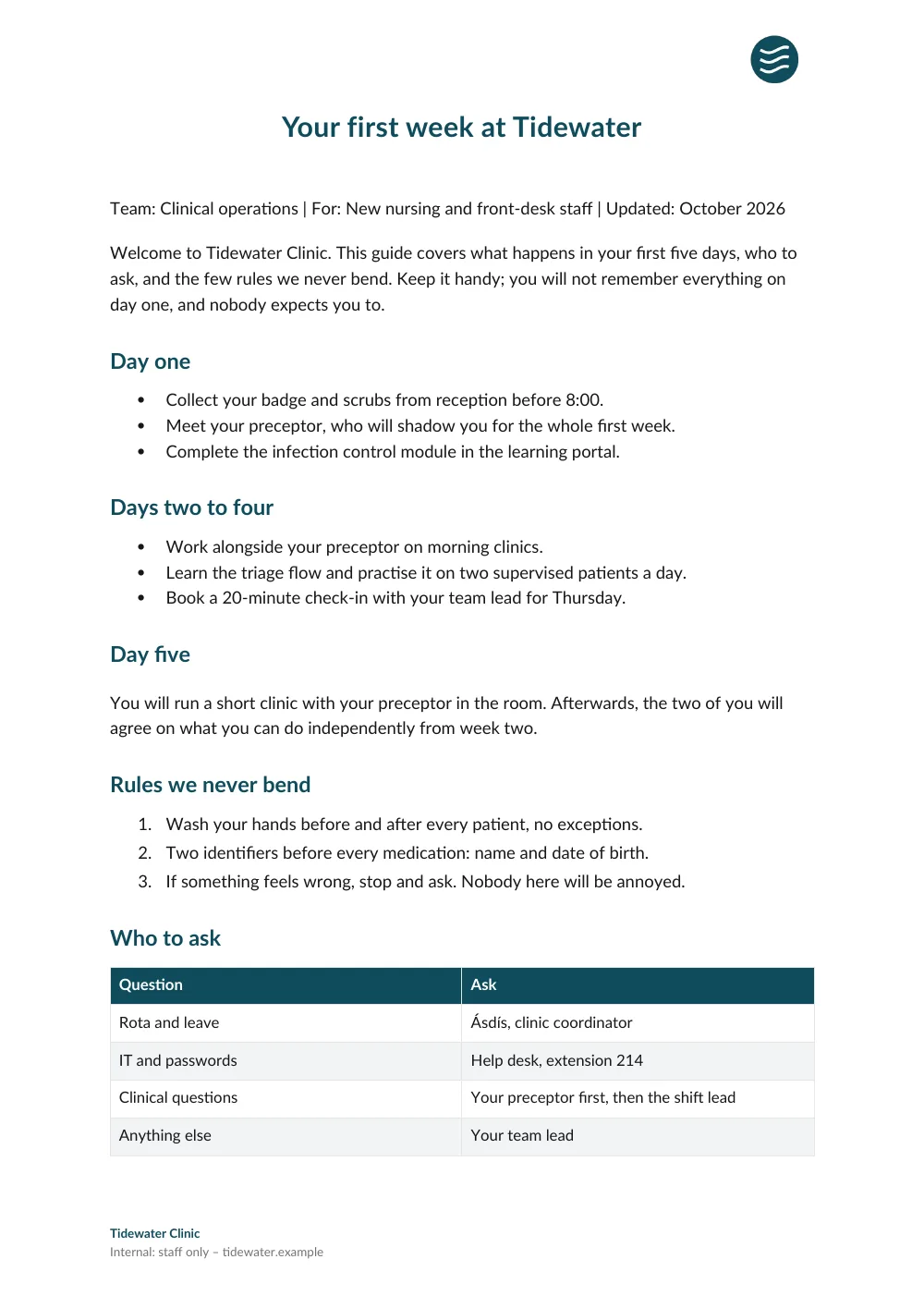
Signed in, Word and PDF exports carry your workspace theme: brand color, font, logo and footer. These are real exports.See the examples
How it works
Upload
Drag in any .md file or click to pick one from your computer.
Convert
We render your Markdown to a Word document with proper heading levels, tables, and lists.
Download
Your .docx downloads automatically. Open it in Word, edit it, share it.
Why use this
Real Word output, not faked. Heading levels, tables, and lists all map to Word's native styles. You can keep editing in Word without the layout going sideways.
No signup, no email harvesting. Convert, download, leave. We won't ever email you.
Private. Your file goes to the converter, gets rendered, and streams back. Nothing stored, nothing logged.
Bridges Markdown and Word. Engineering writes in Markdown, the people reviewing want a Word doc with track changes. This is how you hand off without rewriting.
FAQ
Is this Markdown to Word converter really free?
Yes. Convert as many .md files to .docx as you want, no account required. There's a per-IP rate limit so nobody can hammer it from a script, but normal use never hits it. For higher limits or custom branding, sign up.
What format does it produce?
A standard .docx file. That's the modern Word format used by Microsoft Word 2007 onward, Google Docs, LibreOffice Writer, Pages, and pretty much every word processor. It opens cleanly in all of them.
What Markdown features are supported?
Standard CommonMark plus GitHub-flavored Markdown: headings, lists, tables, code blocks, links, images, blockquotes, horizontal rules. Heading levels and table structure get preserved in the .docx so you can keep editing in Word without the layout falling apart.
Are my files private?
Yes. The Markdown gets sent to our converter, rendered, and streamed back. We don't store either the source or the result, and we don't log content.
Will the Word doc have any branding?
Every .docx from this free tool has a small "Made with OpenDocs" footer. You can delete it in Word in two clicks. For fully branded, footer-free exports, sign up for Pro.
What's the file size limit?
2 MB per Markdown file. Plenty for hundreds of pages of text. If you have something bigger, split it or use the full platform.
For repeat use, use the CLI
One-off Word doc? The drop zone above is fine. If you're generating DOCX every day from a script or an agent, the CLI is faster. One-line install, one-line publish:
# Install once
npm install -g @opendocs.cc/cli

# Authenticate (one-time, opens browser)
opendocs login --browser

# Publish, get a shareable URL back
opendocs publish report.md --export docx --json
--export docx returns a download URL for the Word document alongside the published web URL.
Need a PDF instead?
Try the Markdown to PDF converterWant to share the doc as a URL instead of a Word file?
Publish Markdown online (one command)More free tools
Want to publish Markdown as a shareable URL?
OpenDocs turns your Markdown into a real web document at your own URL. PDF and Word export included.
Free for up to 50 documents. No credit card.