
Convert Markdown to DOCX
Drop in a .md file, get a clean .docx back. Same engine, same output, same zero-signup workflow as our Markdown to Word converter.
Click to upload or drag and drop
Markdown file (.md), up to 2 MB
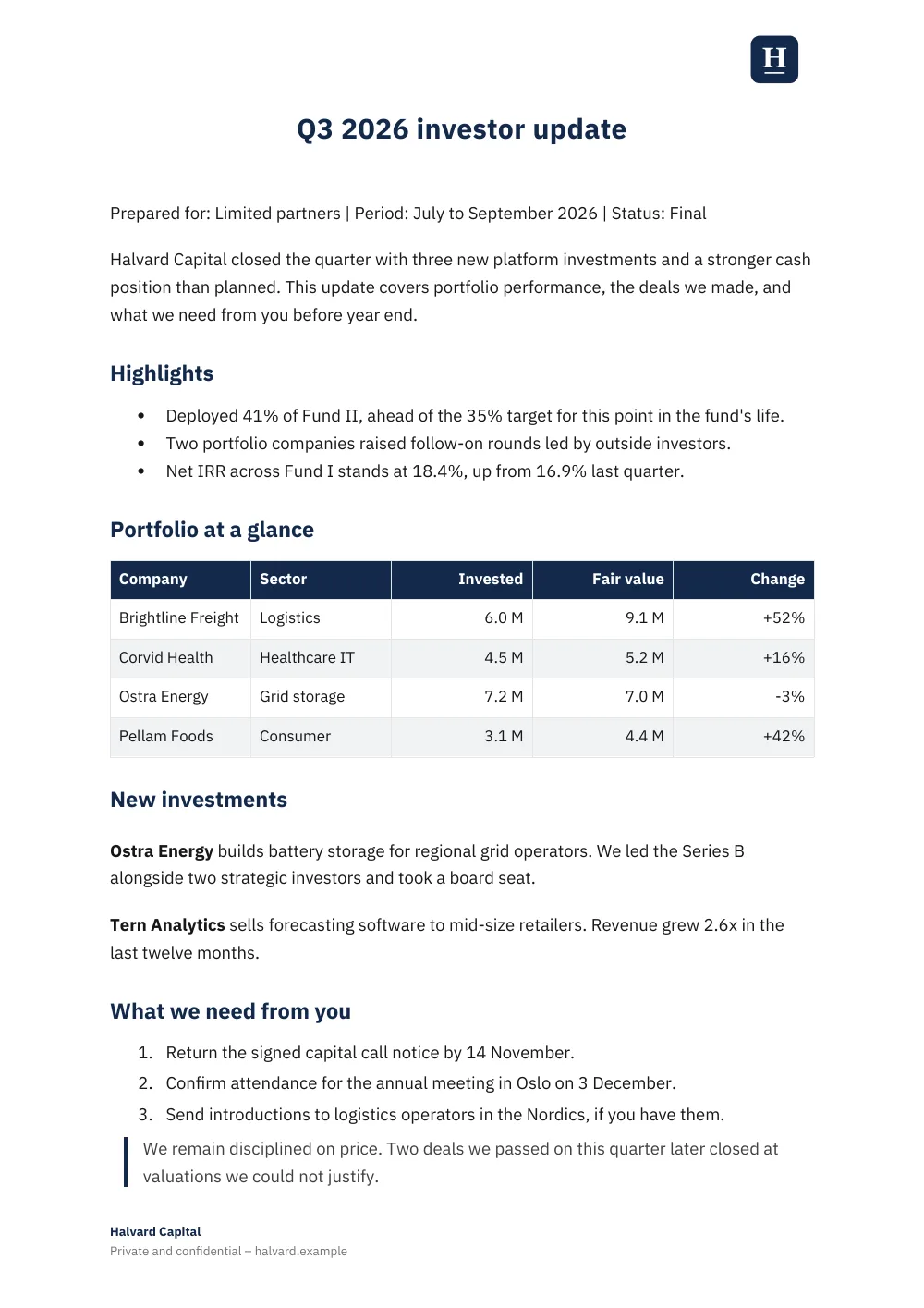
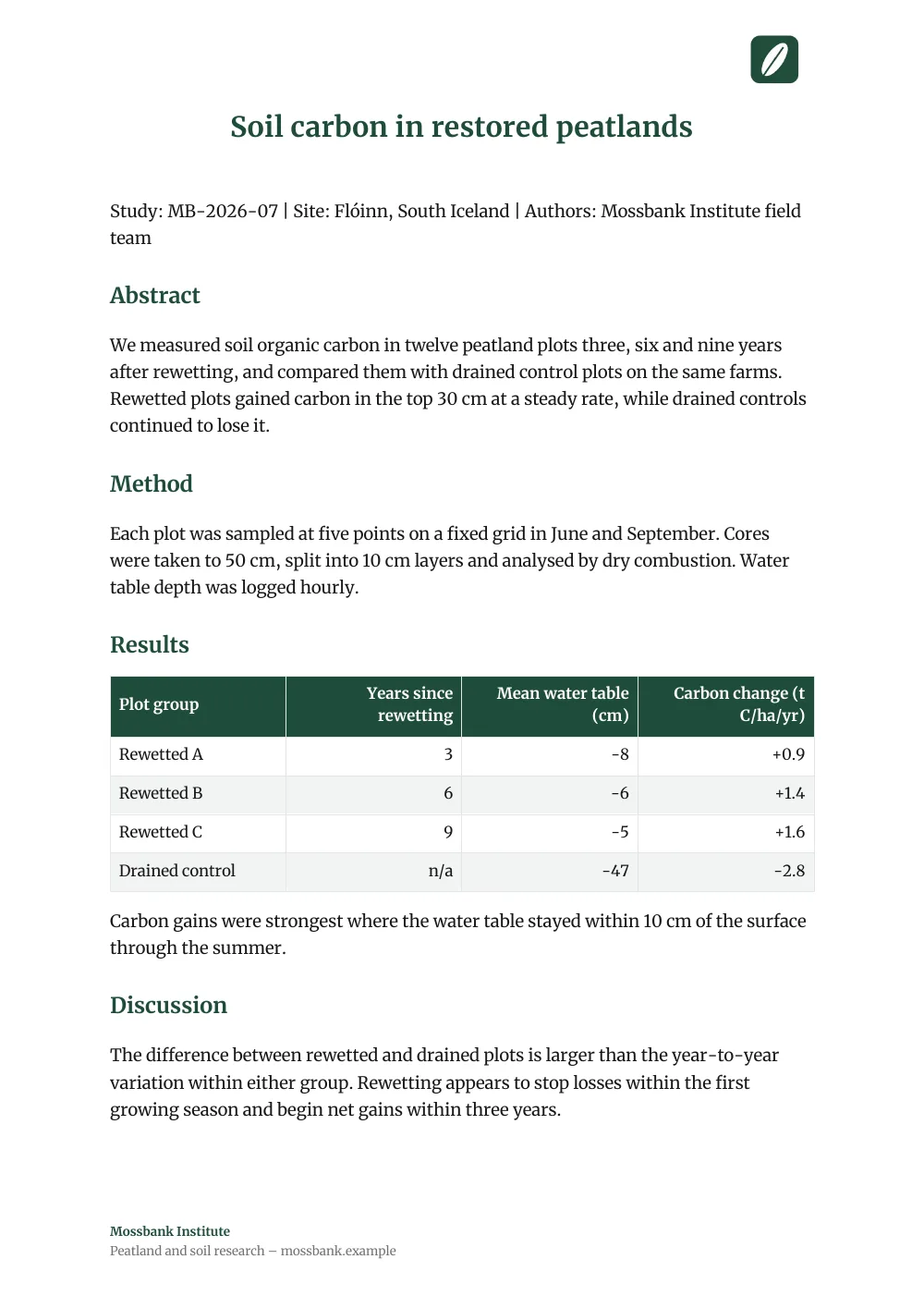
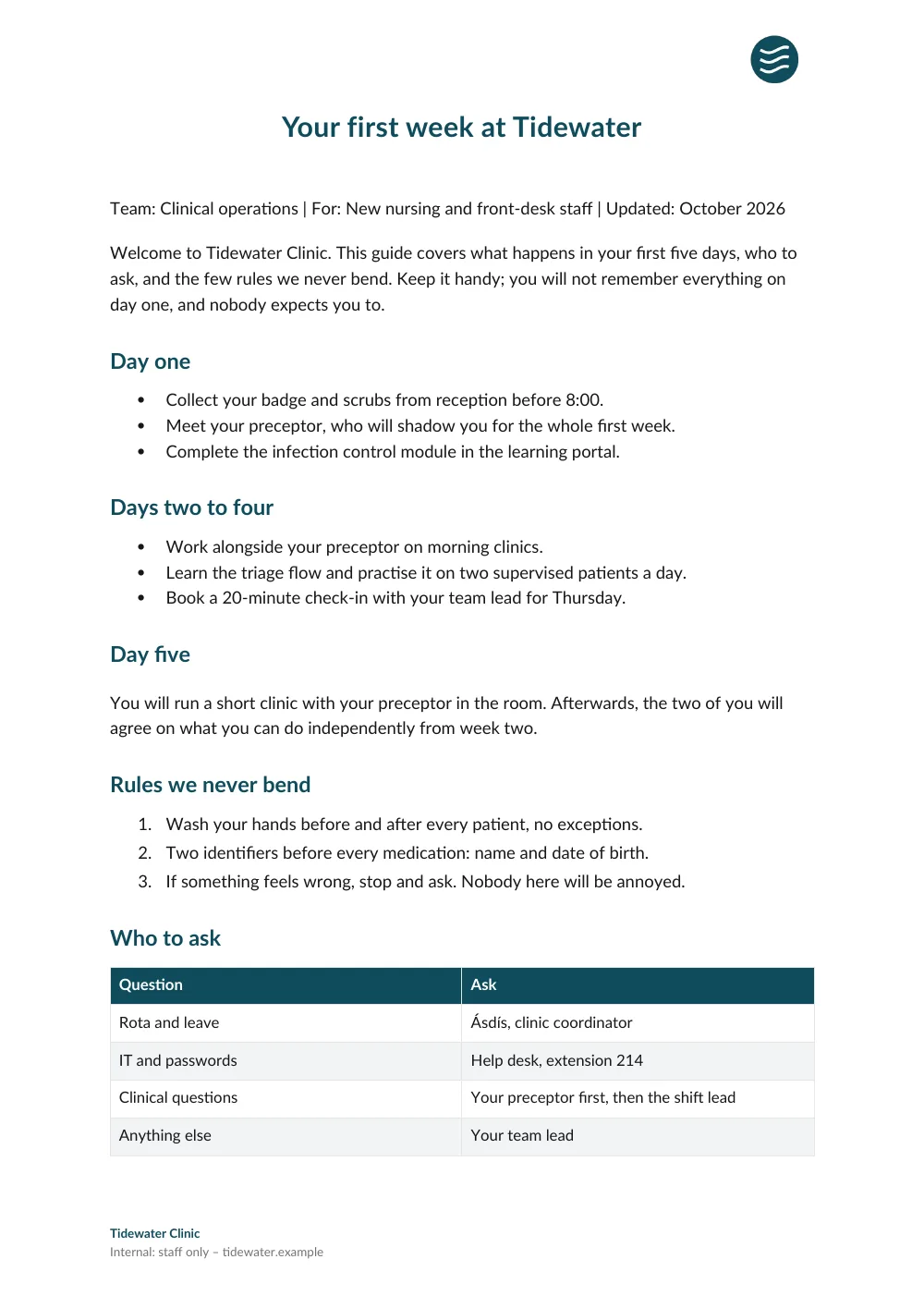
Signed in, Word and PDF exports carry your workspace theme: brand color, font, logo and footer. These are real exports.See the examples
For repeat use, use the CLI
One DOCX is fine through the drop zone. If you're generating a stack of them every week from a script or an agent, skip the upload step entirely:
# Install once
npm install -g @opendocs.cc/cli

# Authenticate (one-time, opens browser)
opendocs login --browser

# Publish, get a shareable URL back
opendocs publish report.md --export docx --json
FAQ
What's the difference between DOCX and Word?
Nothing, really. DOCX is the file extension Microsoft Word has used since 2007. Any Word document you've opened in the last fifteen years is a .docx file. We use both terms here because people search for both.
Will the .docx open in non-Microsoft apps?
Yes. Google Docs, Apple Pages, LibreOffice Writer, and pretty much every modern word processor open .docx natively. Heading levels, lists, and tables come through as native styles, so the doc stays fully editable in whichever one you use.
Are my files private?
Yes. The Markdown gets sent to our converter, rendered, and streamed back. We don't store either the source or the result, and we don't log content.
Will the DOCX have any branding?
Every .docx from this free tool has a small "Made with OpenDocs" footer. You can delete it in Word in two clicks. For fully branded, footer-free exports, sign up for Pro.
Need a PDF instead?
Try the Markdown to PDF converterMore free tools
Want a shareable URL instead of a download?
OpenDocs publishes your Markdown to a real URL, with PDF and DOCX export included.
Free for up to 50 documents. No credit card.